
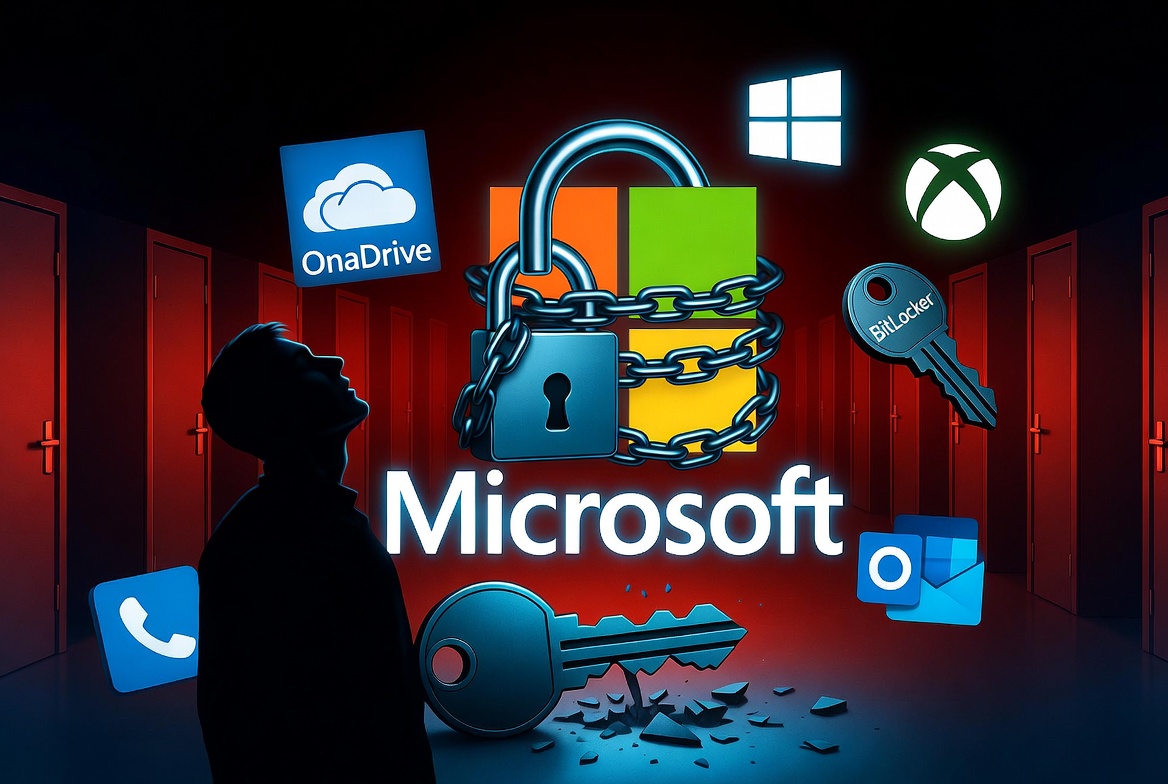
A Microsoft account is the master key to your digital life.
It unlocks OneDrive files, Microsoft 365 subscriptions, Windows licences, Xbox game libraries, BitLocker recovery keys, Outlook email and years of digital purchases. Microsoft has made this account central to the Windows experience.
What happens when that account is stolen?
A recent investigation by GamersNexus examined a flaw in Microsoft's account recovery process. A user discovered their account had been compromised and did everything expected. The system had no way to return the account to them.
This is not just an isolated story on YouTube. We encountered the same situation with one of our own clients.
The recovery process that recovers nothing
In the GamersNexus case, the attacker gained control of the victim's Microsoft account and replaced the recovery information with their own.
When the legitimate owner tried to recover the account, Microsoft's system continued to trust the newly registered recovery details. Recovery communications went to the attacker's address, allowing the attacker to intercept and cancel the recovery attempt.
To recover the account, Microsoft required verification through recovery methods now controlled by the attacker. Without access to those methods, Microsoft would not restore them.
Our client's experience followed the same path. After their Microsoft account was compromised, both the recovery email and phone number were changed. They had no practical route to regain access.
This resembles Franz Kafka's The Trial. Every rule functions exactly as designed, yet the outcome is absurd. The only person who cannot recover the account is the person who owns it.
When your Microsoft account is your digital identity
Twenty years ago, losing an email account was frustrating. Today, losing a Microsoft account can mean losing access to an entire digital life.
For our client, that included years of personal files in OneDrive, a paid Microsoft 365 subscription, purchased software, digital purchases tied to the account, and BitLocker recovery keys needed to unlock encrypted drives.
The data was not destroyed. The licences were not revoked. The cloud storage still existed. But access to all of it depended on an account that Microsoft no longer provided a practical means of recovering.
That is a different problem from forgetting a password.
Microsoft's ecosystem created a single point of failure
Microsoft has steadily expanded the role of the Microsoft account. During setup, users are strongly encouraged to sign in with a Microsoft account. OneDrive is promoted as the default location for files. BitLocker can back up recovery keys to the account. Microsoft 365, the Store and Xbox all revolve around the same identity.
Each service offers convenience. Together they create a single point of failure.
If the Microsoft account becomes unrecoverable, users can lose access to years of personal files, software, subscriptions and purchases through no fault of their own after the initial compromise.
Security should protect victims
No reasonable person expects Microsoft to prevent every compromise. Attackers will find ways to steal credentials and bypass security measures. The question is what happens when the legitimate owner asks for help.
If an attacker can replace the recovery methods and Microsoft's system treats those new details as the only trusted source of authority, the recovery process validates whoever controls the account. It does not recover anything.
Security should protect customers after they become victims. It should not leave them locked out of their own data while the attacker retains control.
Microsoft can do better
Microsoft needs smarter recovery, not weaker security.
The company should introduce a dedicated post-compromise recovery process for verified account theft, supported by staff with the authority to investigate exceptional cases. Recovery method changes should include stronger protections, including cooling-off periods, notifications to previous recovery contacts, and the ability to suspend recovery changes during an investigation.
Customers who can present evidence of ownership, including subscription history, purchase records and account activity, should have an escalation path rather than being told nothing can be done.
Taking back control
No single online account should hold the only key to your digital life.
A local Windows account reduces reliance on online authentication. Self-hosted platforms like Nextcloud offer an alternative to OneDrive. For full-disk encryption, VeraCrypt keeps recovery under your control.
BitLocker recovery keys should never exist only inside a Microsoft account. Keep offline copies, maintain independent backups, and remember that cloud storage is not a backup strategy.
A single account should not lock you out of your digital life
Microsoft built an ecosystem where one account controls almost every aspect of a user's digital life. With that centralisation comes responsibility.
When customers lose access to decades of emails, photographs, business documents, encrypted drives, software licences and subscriptions because the recovery process itself is impossible to navigate, the system has failed.
A single unrecoverable account should never permanently lock someone out of their own digital life. But that is the reality for users who trust Microsoft's ecosystem.