
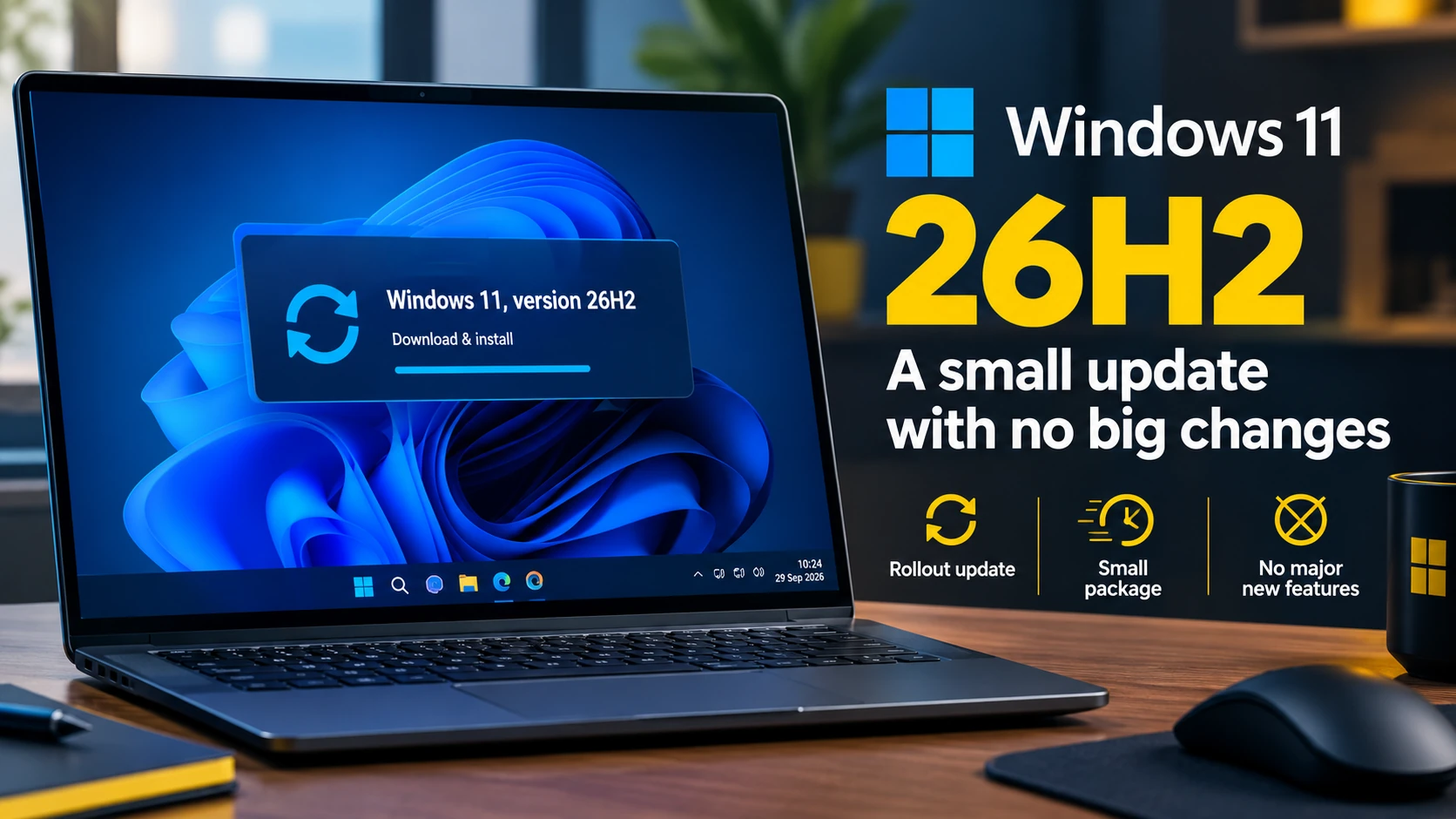
Microsoft started rolling out Windows 11 version 26H2 on 29 September 2026. If your PC runs 24H2 or 25H2, the upgrade installs as a small package with one restart and changes little on screen.
What 26H2 Is
Windows 11 26H2 is the annual feature update for Windows 11, also called the Windows 11 2026 Update. For PCs on 24H2 or 25H2, Microsoft delivers it as an enablement package. Monthly updates have already placed most of the code on your PC. The package switches that code on and moves the system to the new version number.
That keeps the download small and limits the install to a single restart on an up-to-date system. You do not need an ISO or a clean install to move from 24H2 or 25H2 to 26H2.
Expect No New Windows
26H2 keeps the same desktop, Start menu and taskbar. It introduces no redesign and no shift on the scale of Windows 10 to Windows 11. If you kept Windows Update current, your PC already runs many of the features Microsoft groups under the 26H2 label.
Microsoft now ships features through the year in monthly updates instead of holding them for the annual release. 26H2 collects those changes under one version and activates the remaining items.
What Changed
Microsoft lists improvements across Start, taskbar, Windows Search, File Explorer, Accessibility, Settings, security and management, backup, and app-specific taskbar actions. File Explorer gains usability fixes. Search returns clearer results. Supported hardware gets added AI capabilities, though those depend on the device.
The key distinction: 26H2 did not introduce all of these on 29 September. Monthly updates delivered many of them earlier. The release date marks the new version state, not the debut of each feature.
Why Microsoft Ships It This Way
Large upgrades cost time. They force long installs, multiple restarts, and driver and software conflicts. Versions 24H2, 25H2 and 26H2 share one servicing foundation, so the move between them stays small. That cuts downtime and testing work, which matters most to IT departments managing fleets of PCs.
A Phased Rollout
Microsoft offers 26H2 in phases. One PC receives it while another waits, even on the same street. Microsoft watches telemetry and applies safeguard holds where it finds a hardware or software conflict. If Windows Update has not offered 26H2 yet, your PC likely sits outside the current phase rather than carrying a fault.
How to Get Windows 11 26H2
Check manually if you run 24H2 or 25H2:
- Open Settings and select Windows Update
- Turn on "Get the latest updates as soon as they're available"
- Select Check for updates
When Microsoft clears your PC, Windows Update lists "Windows 11, version 26H2" with a Download and install option.
Should You Install It
Install it when Windows Update offers it. Do not force it onto a PC Microsoft has not cleared yet. The phased rollout blocks machines with known conflicts for a reason. Microsoft lists mitigated issues affecting some USB audio devices, certain domain-joined systems and some virtual desktop setups.
For a typical home or gaming PC, 26H2 brings no urgent new capability and no cause for alarm. It resets the support lifecycle and switches on code already on the disk.
Quick Facts
- Release: Windows 11 version 26H2, from 29 September 2026
- Delivery: Enablement package for PCs on 24H2 or 25H2
- Install: Small download plus one restart
- Rollout: Phased, with safeguard holds per hardware
- Recommended action: Back up files, then install when offered
If Windows Update offers 26H2, back up your files and install it. If you need help with the upgrade, backups, or a PC that refuses to update, contact Compourri Service and Repair or use Remote Assistance.