
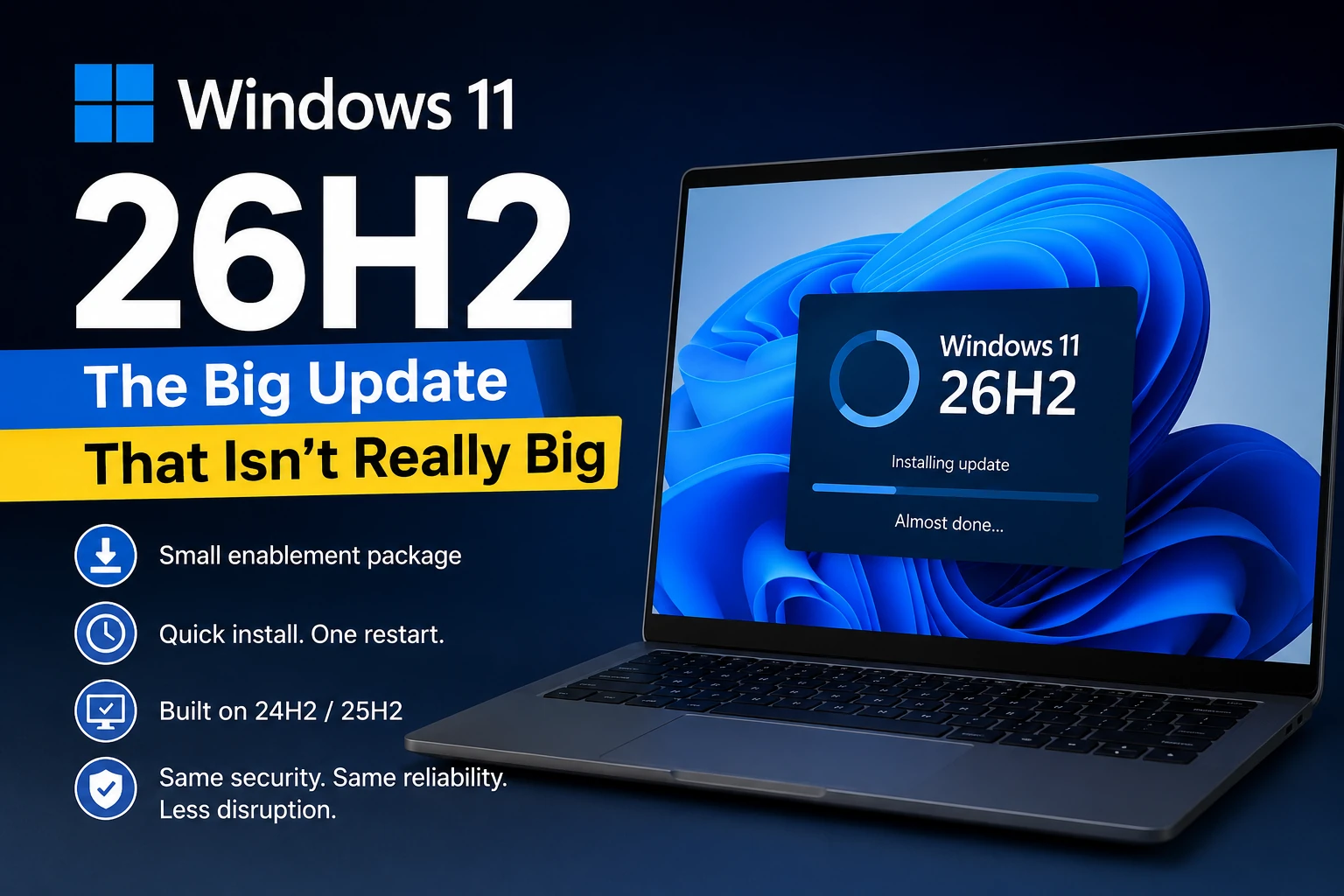
Microsoft will release Windows 11 version 26H2 in the second half of 2026 as this year's annual feature update for Windows 11. Most existing Windows 11 PCs will notice little when it lands.
This year Microsoft changed how it delivers the upgrade. Windows 11 24H2, 25H2 and 26H2 share one servicing branch, so a supported PC already holds most of the code 26H2 activates. Instead of replacing large portions of the operating system, Windows Update can install the release as a small enablement package and restart the machine.
What Is an Enablement Package?
An enablement package switches on code that already sits dormant in Windows.
Microsoft used this approach for Windows 11 25H2. Versions 24H2 and 25H2 share a common core: monthly updates delivered new functionality all year while it stayed inactive until you installed the enablement package. Version 26H2 follows the same model.
On a PC running a supported release, the transition takes minutes. Windows Update downloads a small package, restarts the system, and reports a new version number.
A Feature Update on Paper
Microsoft classifies 26H2 as its annual feature update for Windows 11, and new versions keep arriving in the second half of each calendar year. The label oversells the event, though. Microsoft now ships most Windows 11 features throughout the year through cumulative updates and controlled feature rollouts. The annual version number establishes the next supported version state of Windows.
In practice, 26H2 is a new version state built on the platform already running on your PC.
What You Will Notice
If you upgrade from 25H2, expect few visible changes on day one. Nothing indicates another dramatic redesign. Improvements to Windows Search, File Explorer and other areas continue, but Microsoft ships those during the year rather than saving them for one annual release.
The old model bundled interface changes into massive downloads and lengthy installations. Moving to 26H2 on an up-to-date PC takes minutes and fits into a lunch break.
Why 24H2 Users Should Pay Attention
Support dates give this release weight. Home and Pro editions of Windows 11 24H2 reach the end of support on 13 October 2026. After that date they stop receiving regular security and quality updates.
A PC still on 24H2 needs to move forward before October, and the upgrade to 25H2 or straight to 26H2 stays open until then. PCs already running 25H2 have the easiest path, since both releases share the same servicing branch.
Install Now or Wait?
Hold off on day one. Windows Update rolls 26H2 out in phases while Microsoft watches for compatibility problems across hardware and software combinations.
Businesses that need predictable machines can let the first weeks pass before deploying. Home users can leave Windows Update enabled and install the upgrade when Microsoft offers it. Either way, back up your files before any major Windows update.
Quick Facts
- Release: Windows 11 version 26H2
- Delivery: Enablement package for PCs on 24H2 or 25H2
- Install size: Small download plus one restart
- 24H2 Home and Pro end of support: 13 October 2026
- Recommended action: Back up files, then install when offered
Final Thoughts
26H2 carries a big version number and a small footprint. On an up-to-date PC it activates code Microsoft has already installed, takes minutes, and asks for one restart. Plan the coffee break when Windows Update offers it later this year.
Compourri will track the rollout and report compatibility problems or reasons to delay.