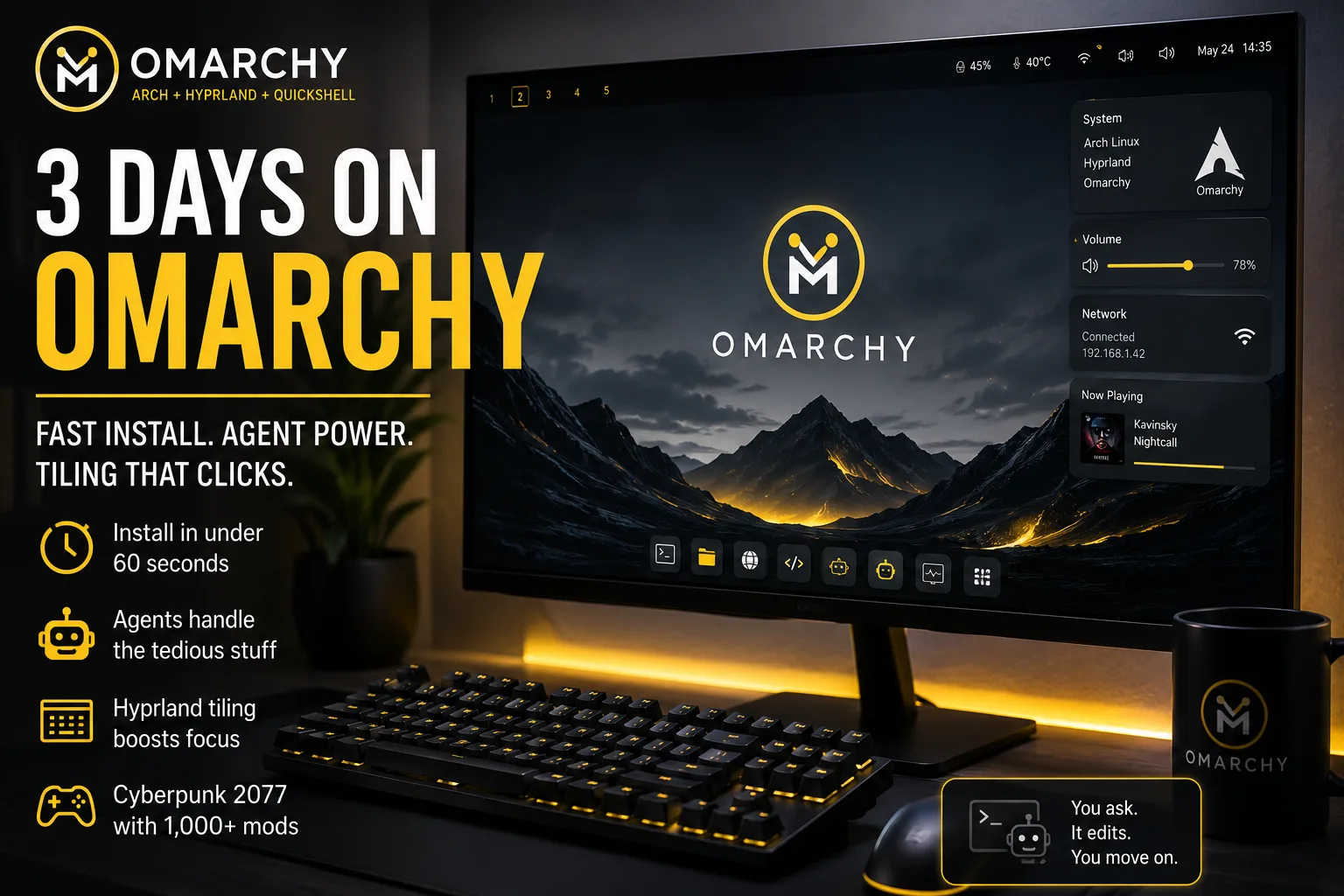
I ran Omarchy as my daily driver for three days. Install took under a minute, the desktop ran fast out of the box, and I did not touch a config file by hand. For an Arch base, that says a lot.
I use Arch, by the way. I expected the usual routine: edit files in nano, tweak systemd, read wikis and subreddits for hours. Omarchy skipped all of that. David Heinemeier Hansson built Omarchy to ship opinionated and ready, on Arch with Hyprland and Quickshell, and it shows from first boot.
Install Took Under a Minute
Omarchy advertises a sub-minute install, and it delivers. You boot the ISO, run the installer, and you land on a complete desktop. No hunt for drivers, no manual setup of the window manager, no extra scripts to make things usable. Speed stands out right away. Apps open fast, the system feels light, and the base stays current with Arch repos underneath.
The old line still fits here: it just works. On Windows I came to hate dictation. It felt like a gimmick that missed words and fought my accent. On Omarchy I dictated this article and it kept up, even with a heavy Afrikaans accent. That was not a setup project. It worked on day one.
Agents Replace Manual Config
People love to hate Copilot on Windows, but Omarchy integrates agents in a way that helps. I live in OpenCode on this machine and I run most system tweaks through it.
Want a more transparent file manager? I asked the agent to set opacity. Ten seconds later the change applied. Samba gave me another example. The file manager could not see the Samba server at first. Old me would have opened fstab, added a mount, installed FUSE, rebooted and tested. I told the agent to set up the Samba client and it wired the share in seconds. The file manager saw the server right after.
That pattern repeats. You describe what you want in plain language, the agent edits the right config, and you move on. Arch veterans know the alternative. Hours in config files. Omarchy cuts that to a short prompt.
Hyprland Needs a Day, Then You Keep It
I came from KDE Plasma. I like a desktop environment and I felt apprehension about a tiling window manager. Hyprland needs a short adjustment, then it clicks.
You stop hunting through alt-tab and taskbars. Windows tile on their own, workspaces switch with a key, and you see what you need without stacking and dragging. The first hours feel odd if you live by the mouse. By day two you move between windows and workspaces with keys and you miss it when you go back to floating windows.
Speed matters here too. Hyprland keeps focus on the keyboard. You keep hands on keys, you change layout without drag, and you jump between tasks without the usual window shuffle.
Opinionated Does Not Mean Locked
The most tired take on Omarchy says the keybindings do not suit the critic, so the system fails. Omarchy states its stance up front: it ships opinionated. That tag comes from DHH. It reflects his view of how a desktop should work. It does not lock you to that view.
On day two I made Omarchy mine. I changed the theme, I changed how Hyprland tiles, I flipped workspaces from horizontal to vertical, and I tuned animation speed. The defaults give you a coherent start. The config stays open, so you shape it to how you work.
That balance is the point. New users get a desktop that works now. Power users still own the config. You start with an opinion, then you replace it with yours.
Gaming: Cyberpunk 2077 With Over 1,000 Mods
I held off judgment on gaming. Linux runs games well today, but I mod hard. My Cyberpunk 2077 list tops 1,000 mods. That mod list breaks many setups. It makes a strong test for Proton, filesystem quirks and driver stability.
I installed Cyberpunk 2077 on night three. It ran without fuss. Load times stayed quick, the game held frame rate, and the mod stack came up. No extra hack to get it to launch, no long debug session. For a three-day-old install that had not seen manual config, that result impressed me.
Verdict After 72 Hours
Omarchy keeps the Arch base and removes the Arch tax. You get a fast, current system with a tiling desktop that feels right after a brief learn. Agents handle the small jobs that once ate an evening: opacity, mounts, keymaps, themes. You ask, it changes, you work.
That does not make Omarchy right for each user. If you want Windows with a new skin, pick a different distro. If you want to learn a keyboard-led workflow and you value a system that starts ready, Omarchy deserves a look. I came from Plasma with doubt about Hyprland. I now see no reason to go back.
Next test: a full modded playthrough and a work week on this stack. If the first three days set the pattern, I expect more time in the work and less time in the config.